Add a video
Chapter 1
First Steps: When you open up your track her board it likely will not be set up appropriately.
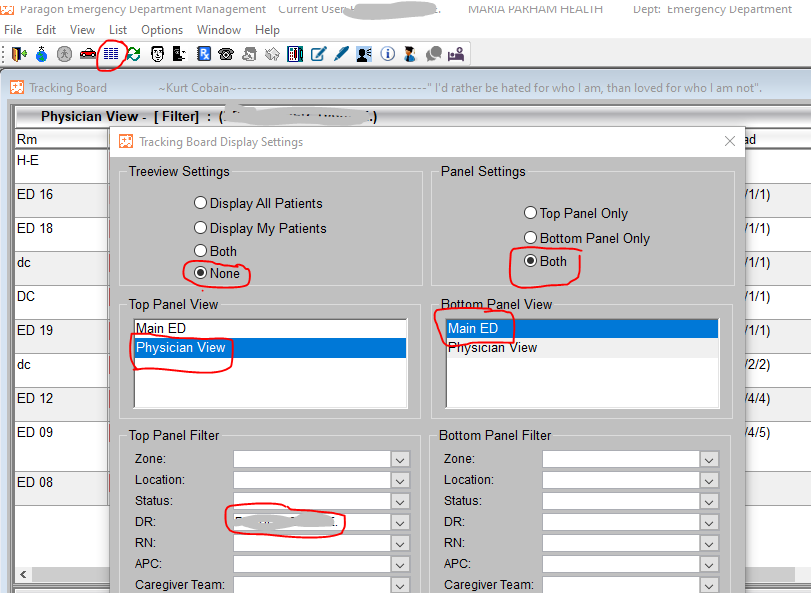
Click on the blue lines in the top bar. After doing this the tracking board displaced settings window will open up. Please ensure that the red circled selections are made and please select your name in the Dr. area. save this and your board will be set up properly.
This process will make the top of the board only your patient’s and will make the bottom of the board the entire emergency department.
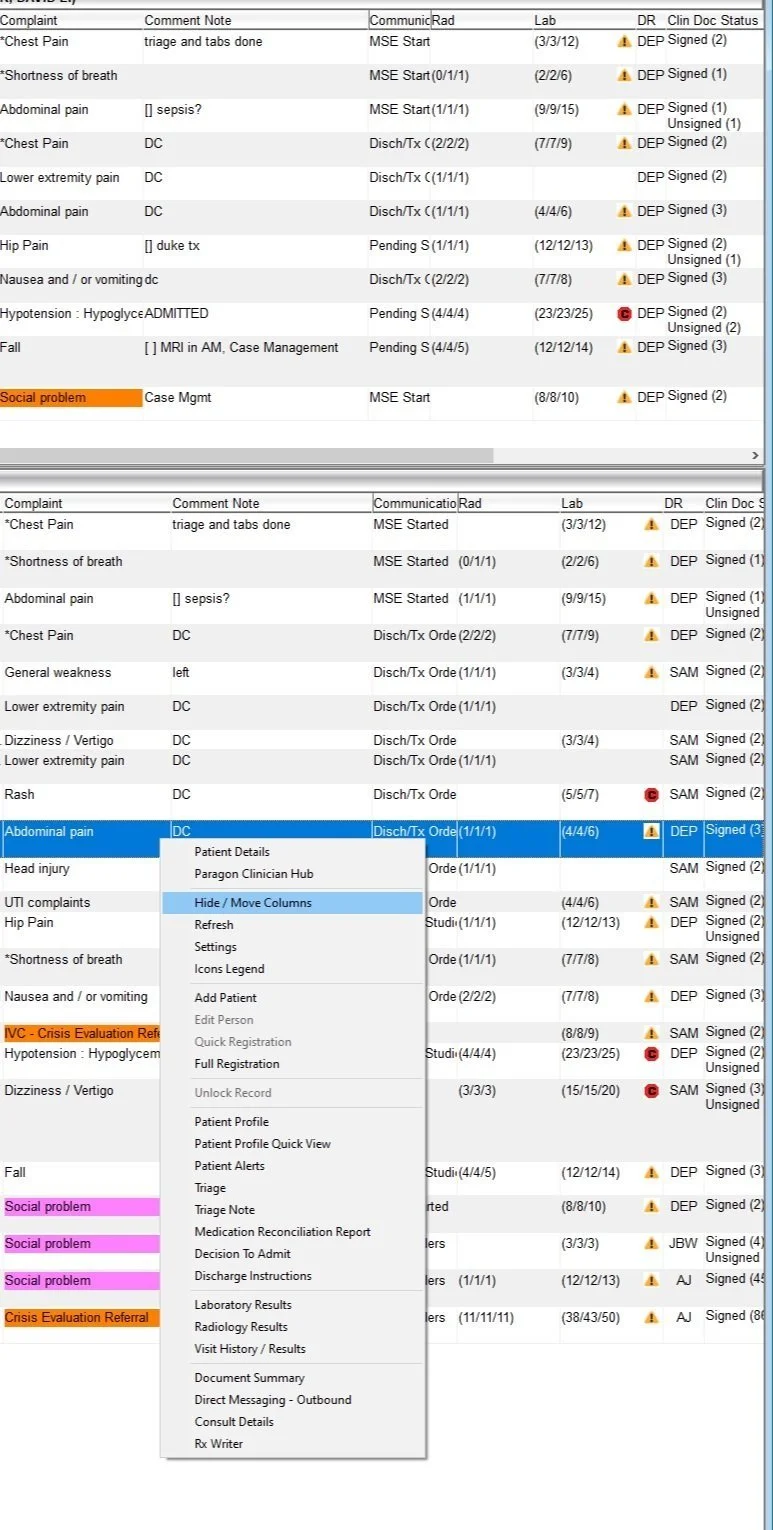
To organize your tracker you can right click and bring up this selection bar. Click on “Hide / Move Columns”. This allows you to organize the tracker in a way that makes sense, and allows you to hide unnecessary columns as well