Chapter 1
STEP 1: As you can see we are in the documentation section of the patient’s record. Please look down and select “add note” at the bottom of the screen. This will pull up the below.

STEP 2: The next step is to look to the top right and you will see “note only’ “preview” “templates”. Please click on templates. you can then search for the templates I have selected in the top right corner. You can then pin them to your templates bar. These are the important notes that we use every day. The most common template is ED provider note template. The ED progress note, and ED assumption of care note are the 2nd most common. Please use these when you get a patient in sign-out.
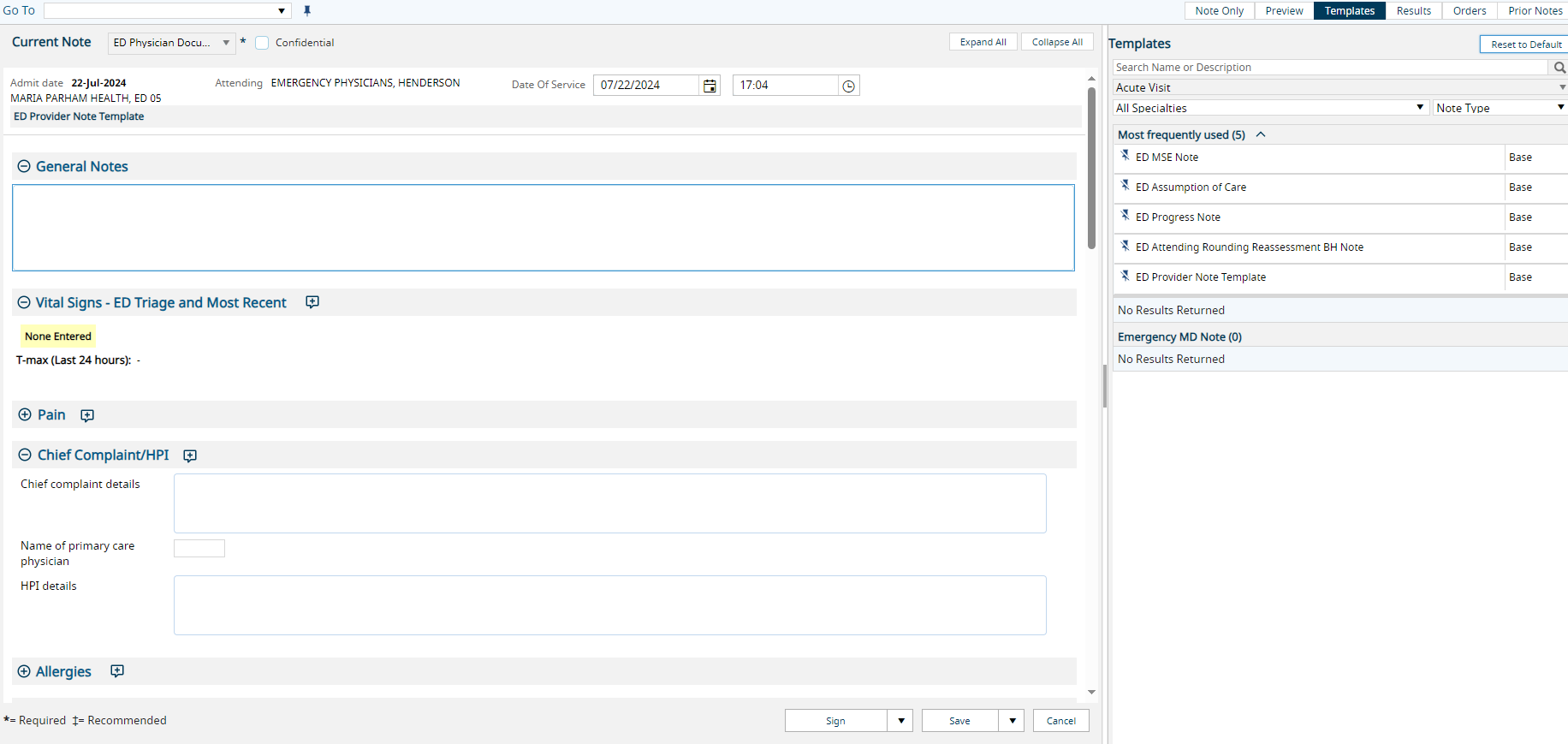
STEP 3: In this section we put the HPI, review of systems, and physical exam. The M*Modal command that is already set up for this part of the note is called “Insert ED Adult Exam”. Use this command to get a template
I have created my own personalized command. I too use the M*Modal program to insert this template.
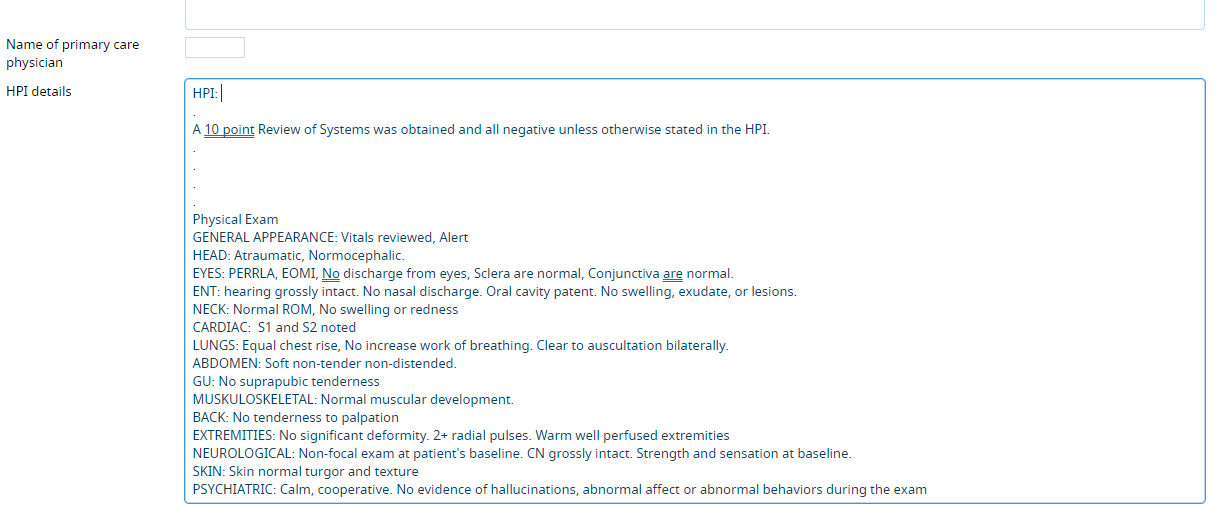
Directly under the HPI square there are multiple drop down sections to further add details. Please fill in past medical history, past surgical history, allergies, and social history.
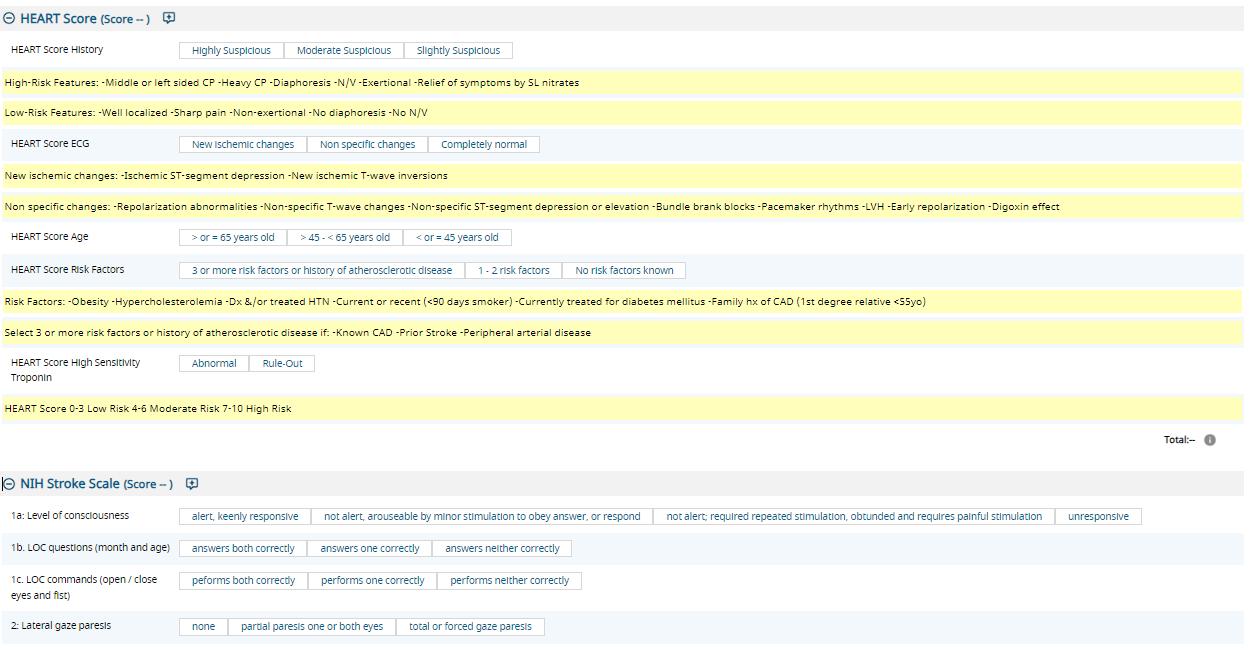
STEP 4: It is important to fill out your heart score and your NIH stroke scale when you have patient’s that fall into this category. Any shortness of breath and any chest pain requires a heart score. Any stroke-like symptoms requires an NIH stroke scale
STEP 5: It is important to list any procedures you do in the procedure section, list any critical care that is done in the critical care section, and discuss your medical decision making. The M*Modal command for critical care is “Insert ED Critical Time”. The commands for each procedure are specific to that procedure.
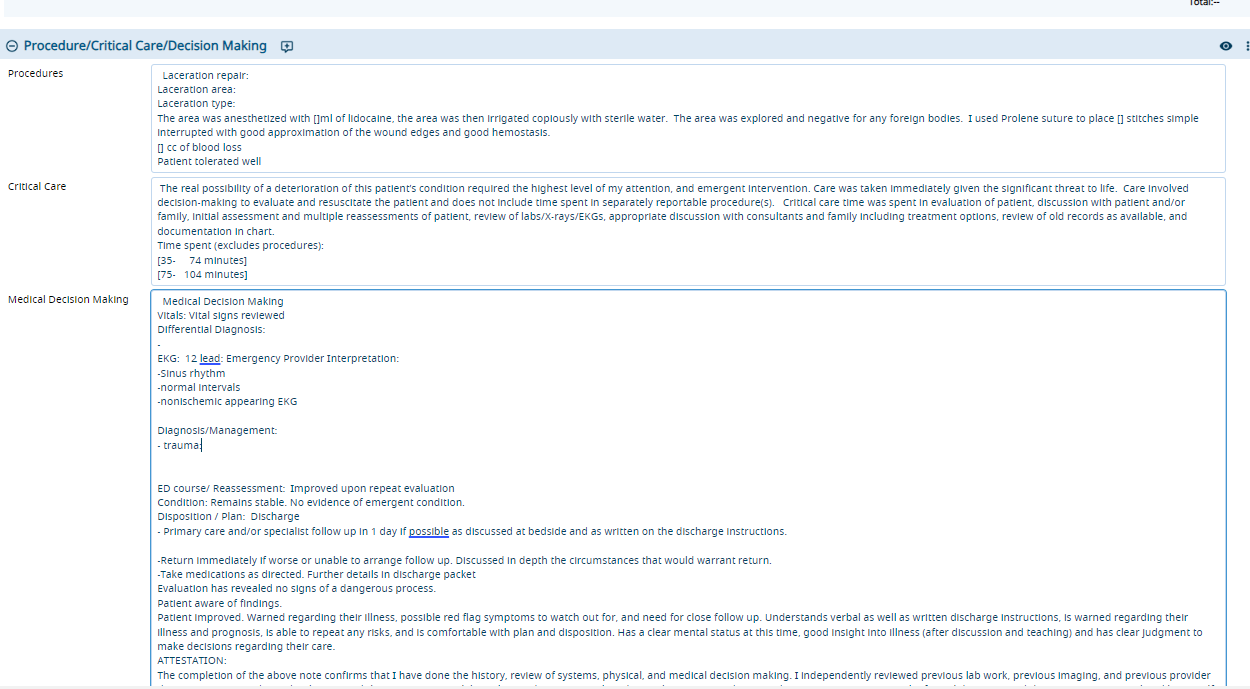
STEP 6: Your medical decision-making tab is for just that. To do this easily the M*Modal command is “insert ED discharge” “Insert ED transfer” or “Insert ED Admission”. This will pull up a template that is easy to use.