Chapter 1
STEP 1: Create your discharge instructions exactly as you prefer them on the left hand open area:
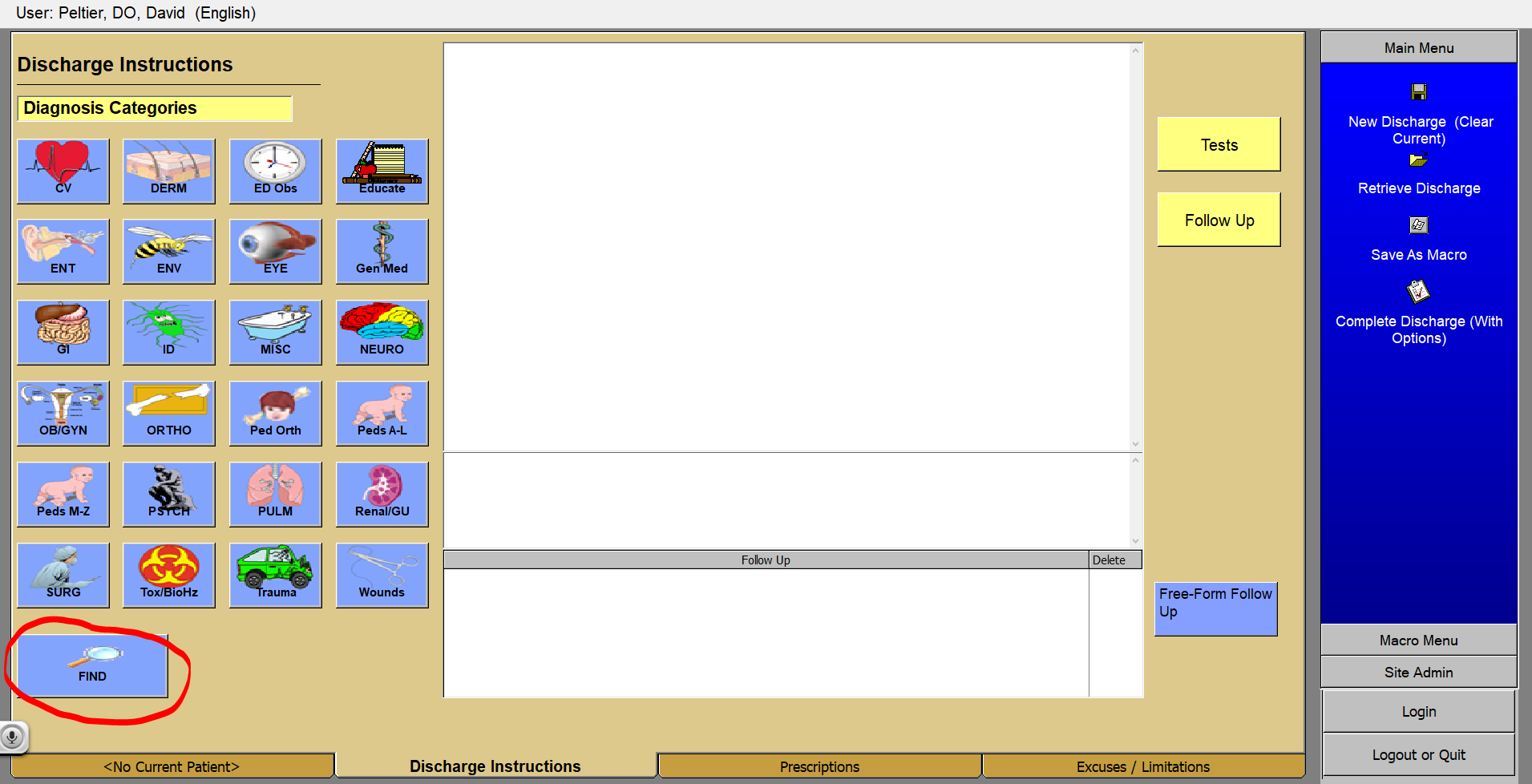
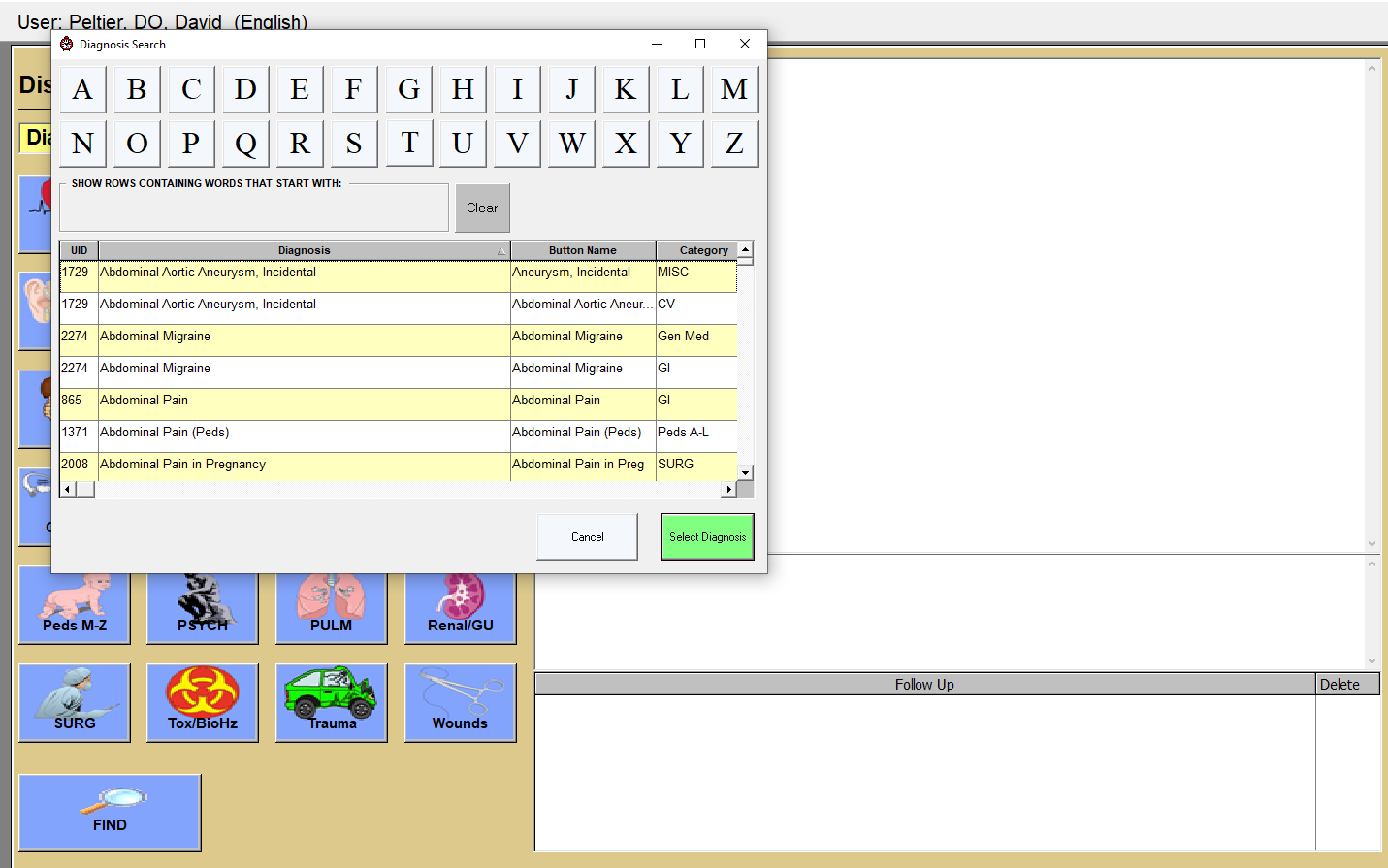
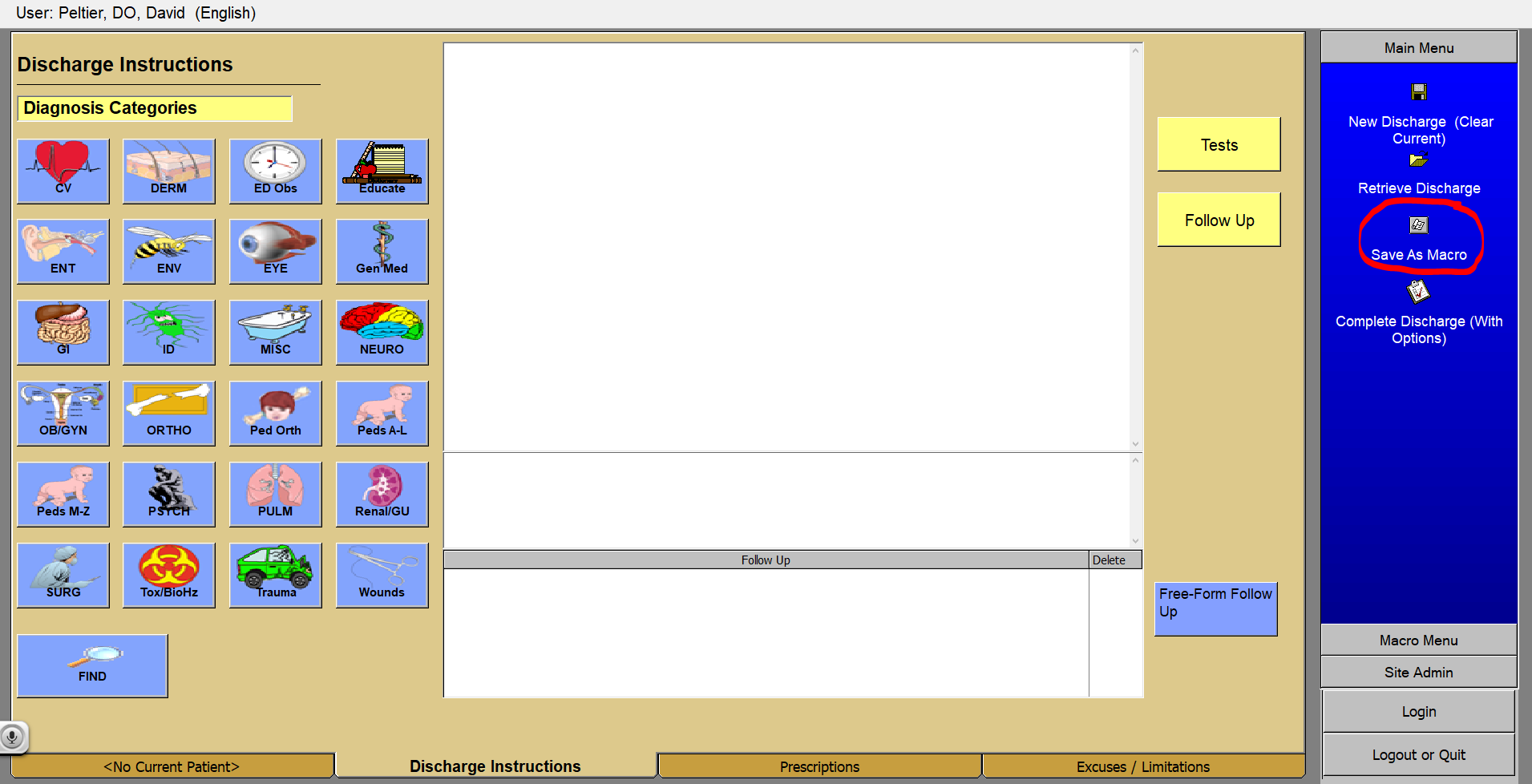
Select your prefab note by selecting “find” in the bottom left corner. This will pull the diagnosis search window.
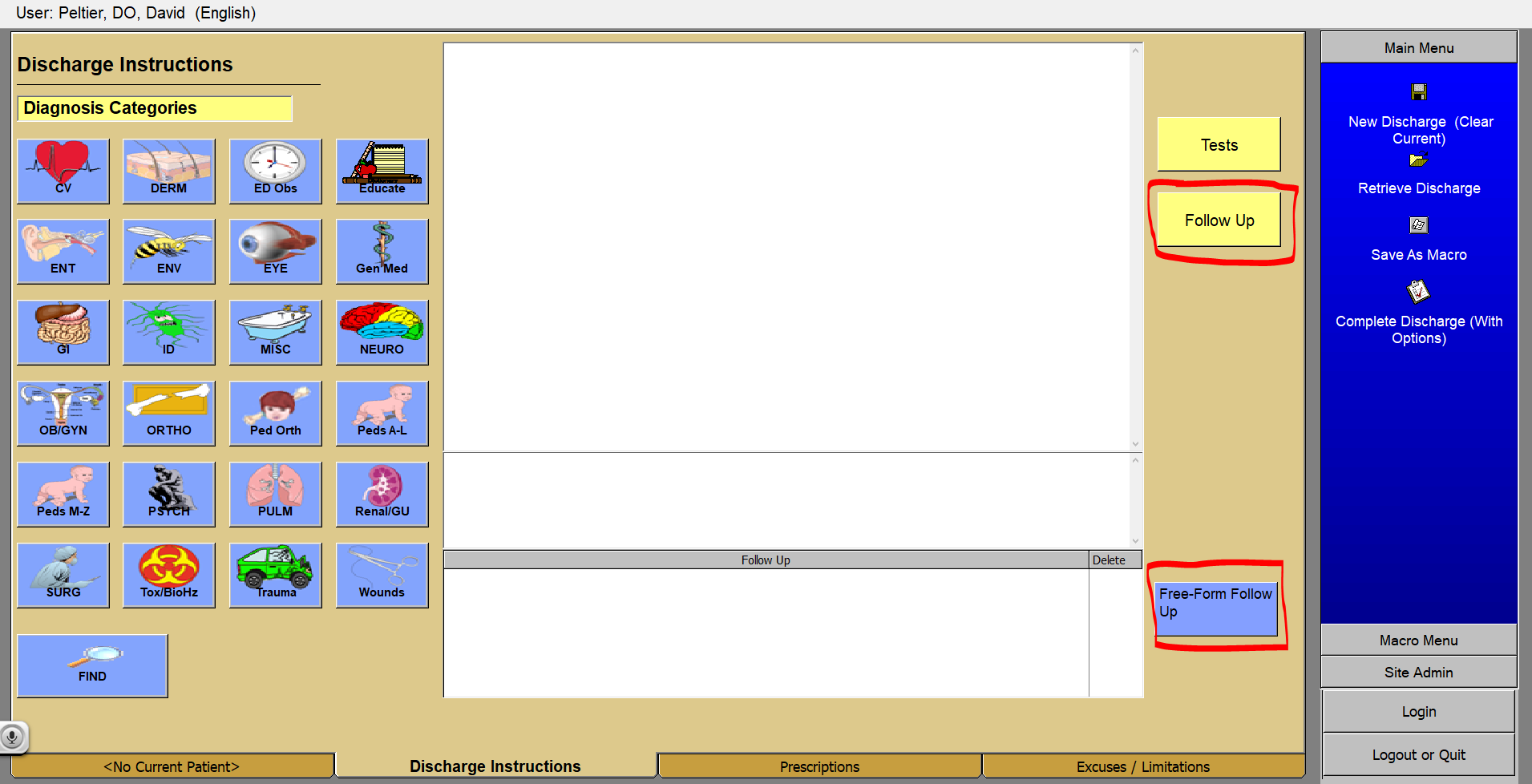
Then add your specific details, add your follow -up instructions (either free form or from the follow up list
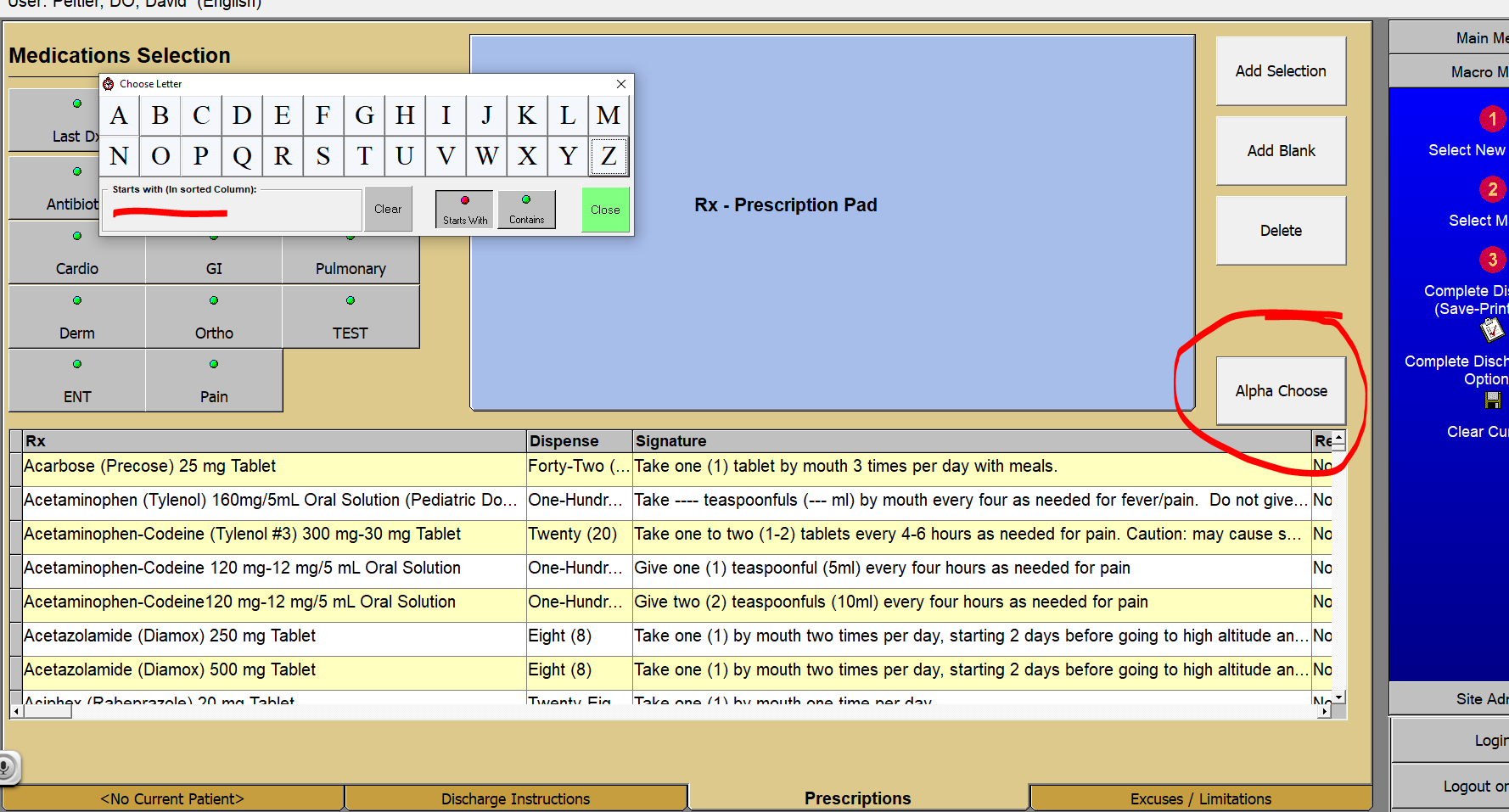
Add your prescriptions on the second bottom tab, and your excuse note. Then click on “save as macro” within the main menu screen to the right.
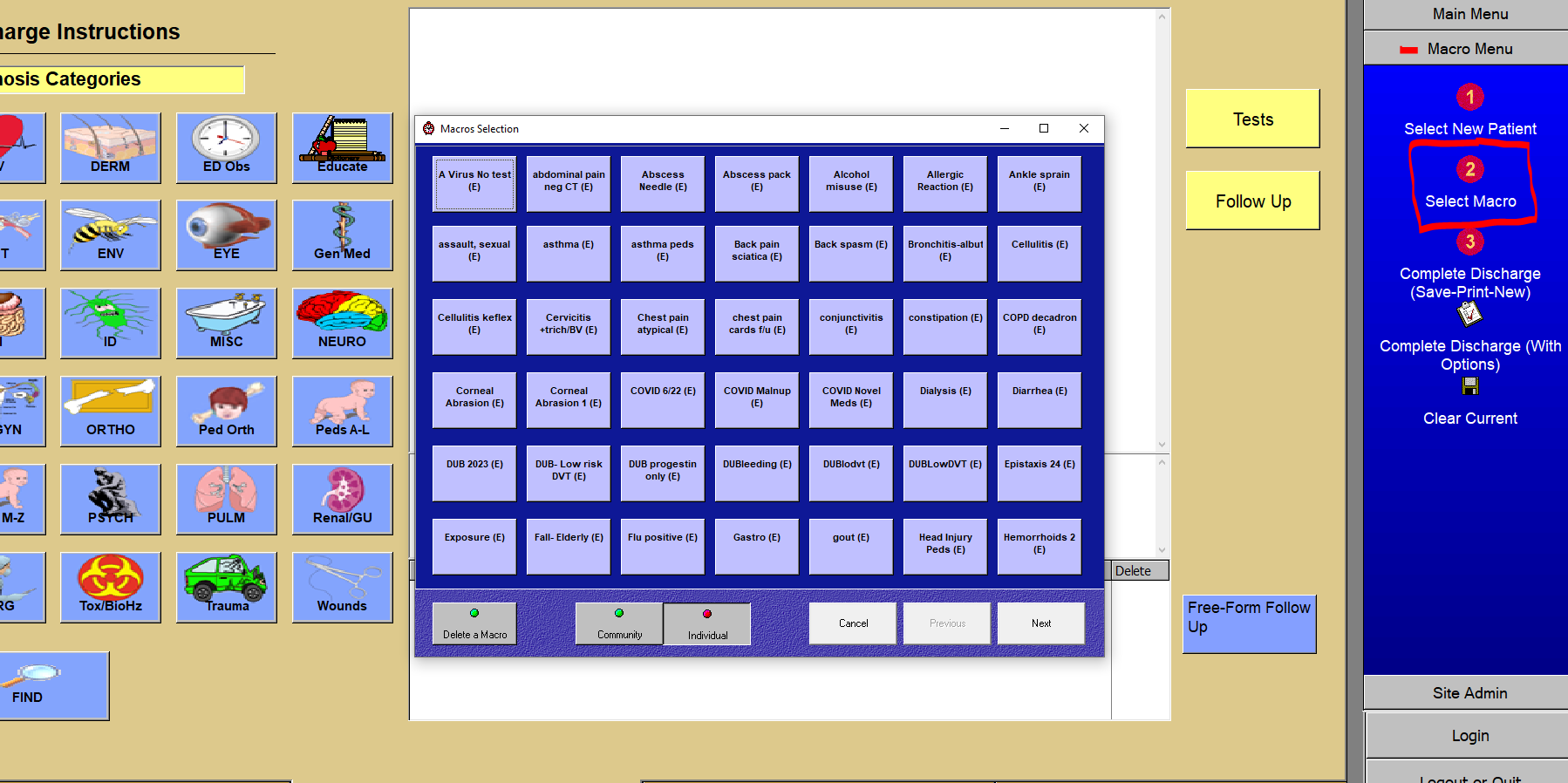
Once you do this you will be able to access your Macros from the “select Macro” Area. This will populate exactly what you wrote previously for all patients to come.